Community Events
ElitePalaces Halloween Tour 2026

Join our 18th Annual Halloween Tour! our legendary community-wide spooktacular journey, explore eerie themed rooms across the palace network, and vote for your favorites!!
PalaceChat5 for Mac is out!
PalaceChat5 for Mac ARM64!
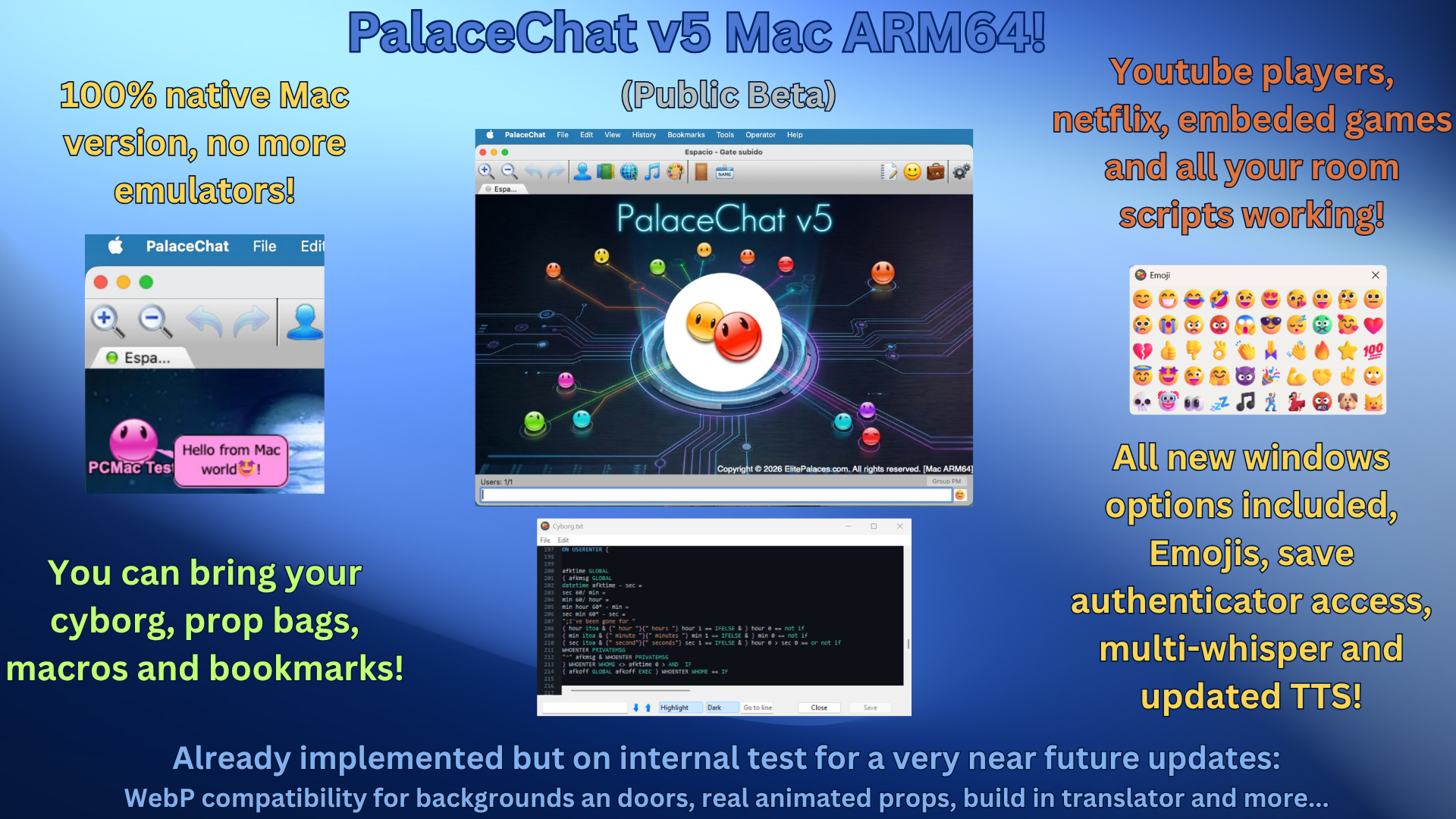
After weeks of porting work, the first 100% native macOS build of PalaceChat is finally ready for our Mac friends to try.
No Parallels, no emulators, no compromises, same client we ship on Windows, running natively on Apple Silicon.
PalaceChat5 is out!
PalaceChat5 for windows!

Update your palacechat to the new version 5 and get back all your videos, games and new tools!
Version 5 for Linux is almost done!!, we will announce it here as soon as it gets the first internal tests don$
TOP 5 GENERAL PALACES
How to add the key to your pserver.prefs file?
a) If you have a tool page or web control panel:
- Log in to your web panel/tool page
- Find the option to edit your
pserver.prefsfile - Paste the portal key in the line for
sysop,palacetoolsorpalace portal(remove existing content first) - Save changes
- Restart your server
b) If you have FTP access or local installation:
- Stop your palace server
- Download
pserver.prefsvia FTP or locate it in your localpsdatafolder - Open the file with Notepad (avoid using Word/Wordpress to prevent corruption)
- Locate the
SYSOPline - Replace the value between quotes
""with your portal key - Save the file
- Upload via FTP if applicable
- Start your server
I'm a palace Hosting company, what do I need to do?
Point directory.thepalace.com to the IP 207.244.233.214 in your server's host records.
a) SSH to your server
b) Edit the file /etc/hosts
c1) If you have a record pointing to directory.thepalace.com,
    change the IP to 207.244.233.214
c2) If you don't have a record, add this line at the end:
    207.244.233.214    directory.thepalace.com
d) Restart network services to apply changes
I run my own server from Windows, what do I need to do?
- Locate the
hostsfile inC:\WINDOWS\system32\drivers\etc - Open it with Notepad. You'll see a line like:
127.0.0.1 localhost - Add this line after it:
207.244.233.214 directory.thepalace.com - Save the file and follow the steps to add your portal key.
www.ThePalacePortal.com